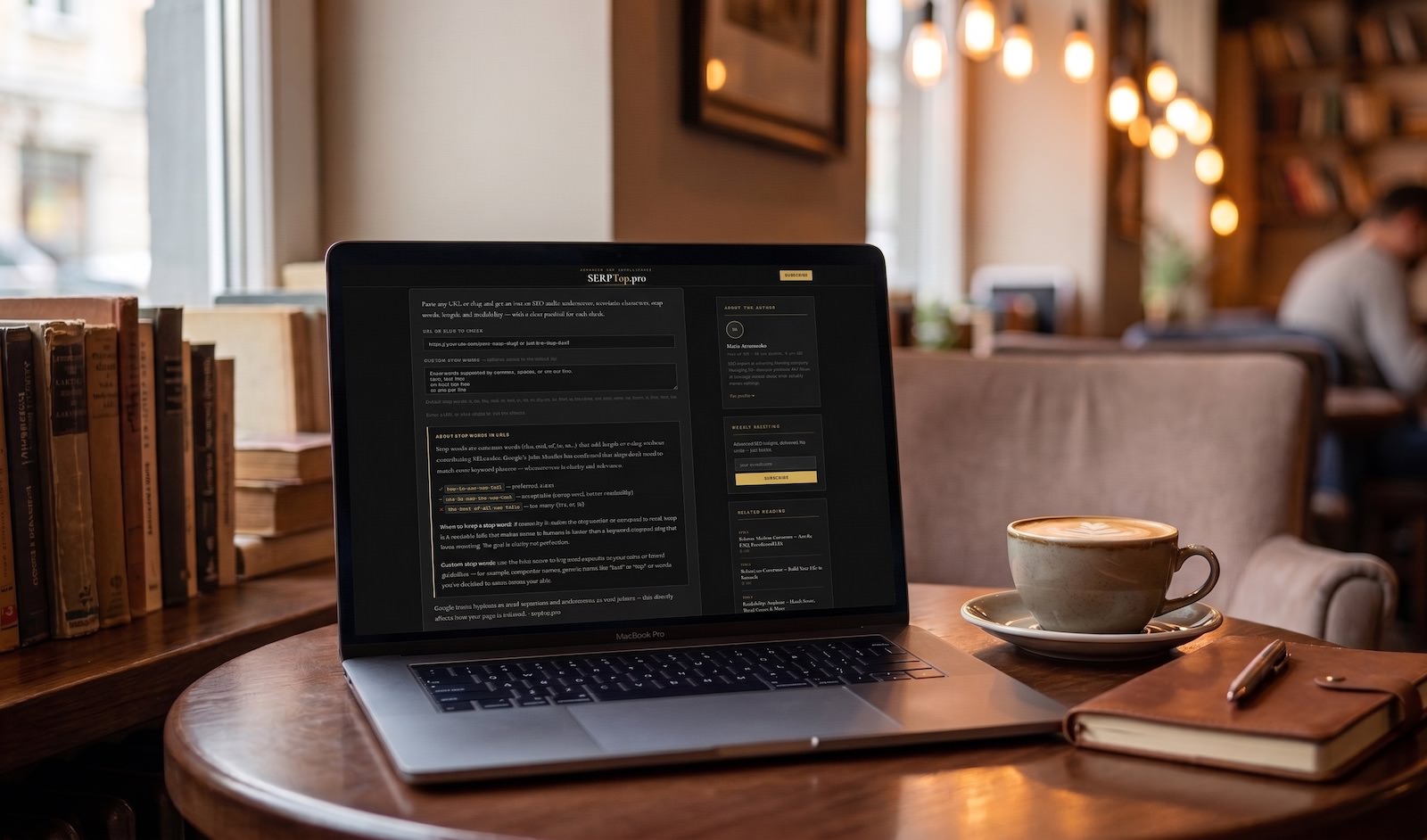
Paste any URL or slug and get an instant SEO audit: underscores, non-latin characters, stop words, length, and readability — with a clear pass/fail for each check.
Stop words are common words (the, and, of, in, to…) that add length to a slug without contributing SEO value. Google's John Mueller has confirmed that slugs don't need to match exact keyword phrases — what matters is clarity and relevance.
✓ how-to-use-seo-tool — preferred, clean
~ how-to-use-the-seo-tool — acceptable (1 stop word, better readability)
✗ the-best-of-all-seo-tools — too many (the, of, all)
When to keep a stop word: if removing it makes the slug unclear or unnatural to read, keep it. A readable URL that makes sense to humans is better than a keyword-stripped slug that loses meaning. The goal is clarity, not perfection.
Custom stop words: use the field above to flag words specific to your niche or brand guidelines — for example, competitor names, generic terms like “best” or “top”, or words you've decided to avoid across your site.
Google treats hyphens as word separators and underscores as word joiners — this directly affects how your page is indexed. · serptop.pro
How to Use It and Why Slug Quality Matters for SEO
A URL slug is the part of a web address that comes after the domain name. In https://serptop.pro/url-slug-checker/ the slug is url-slug-checker. It looks like a minor detail — but it directly affects how search engines understand your page, how users decide whether to click, and how your site architecture is perceived.
This tool runs eight checks on any URL or slug you paste and flags everything that needs attention, from technical errors to readability issues.
What the tool checks and why each check matters
No underscores
Google treats hyphens (-) as word separators and underscores (_) as word joiners. This means seo_guide is indexed as the single word “seoguide”, while seo-guide is indexed as two separate words: “seo” and “guide”. The consequence is direct: a slug with underscores loses keyword separation and ranks as if the words were merged.
❌ technical_seo_audit → Google reads: “technicalseоaudit” ✅ technical-seo-audit → Google reads: “technical”, “seo”, “audit”
Latin characters only
Non-latin characters — Cyrillic, Arabic, Chinese, accented letters — are percent-encoded in URLs. The browser converts статья into %D1%81%D1%82%D0%B0%D1%82%D1%8C%D1%8F. The result is a URL that is unreadable when shared, prone to encoding errors across different platforms, and harder for search engines to process cleanly. This checker decodes the URL first so Cyrillic and other scripts are detected even when they appear as %XX sequences.
❌ https://site.com/%D1%81%D1%82%D0%B0%D1%82%D1%8C%D1%8F/ ✅ https://site.com/article-about-seo/
No spaces or %20
Spaces in URLs become %20 — the percent-encoded equivalent. A slug like seo guide 2026 becomes seo%20guide%202026 in the browser. This breaks shareability, looks unprofessional, and can cause issues with some servers and link parsers. Always use hyphens as word separators.
No consecutive hyphens
Double hyphens (--) typically indicate a problem with automatic slug generation — a title got processed twice, a plugin replaced spaces and special characters separately, or there was a manual typo. seo--guide--2026 is not invalid technically, but it looks broken and is a sign of a generation error worth fixing.
Lowercase only
Some servers are case-sensitive. On these servers, /SEO-Guide/ and /seo-guide/ are treated as two different pages — creating duplicate content and splitting any link equity between them. Using only lowercase consistently prevents this and is the universal standard for clean URL architecture.
No file extension
A slug ending in .html, .php, or .pdf exposes your technology stack, looks dated, and creates problems when you migrate platforms. Clean directory-style URLs (/seo-guide/ instead of /seo-guide.html) are technology-agnostic — they don't change when you switch CMS or server software — and are preferred by both Google and users.
The exception: .pdf files linked directly. In that case the extension is unavoidable, but the file itself should not be used as a crawlable page in your content architecture.
Stop words
Stop words are common function words that add length to a slug without contributing keyword signal: a, an, the, and, or, but, in, on, at, to, for, of, with, by, from, is, are, was, were, be, been, it, this, that, its.
The general rule: remove stop words unless doing so makes the slug unreadable or changes its meaning.
how-to-write-seo-content → remove “to” → how-write-seo-content — this loses natural readability without meaningful SEO gain. Keep it.
the-best-seo-tools-for-beginners → remove “the”, “for” → best-seo-tools-beginners — cleaner, shorter, clearer. Change it.
The tool flags one stop word as “Review” (acceptable but worth reconsidering) and two or more as “Fail”. Custom stop words you add in the field above are treated with zero tolerance — if you've decided a word should not appear in your slugs, the tool will flag any occurrence.
Good length (3–75 characters)
Research from Stan Venture's 2025 URL study found that click-through rates dropped by 15% when URLs exceeded 60 characters, and shorter URLs indexed 12% faster. Aim for slugs of 3–5 meaningful words, around 25–30 characters.
The 75-character limit in this tool applies to the slug itself, not the full URL. A slug of 75 characters is on the longer end — aim for 30–50 as a practical target.
❌ how-to-create-the-perfect-seo-friendly-url-slug-for-your-website-in-2026 ✅ seo-friendly-url-slug
Who should use this tool and when
Content managers and editors — before publishing any new article, product page, or landing page. Paste the proposed URL and fix any issues before the page goes live. Changing a slug after publication requires a 301 redirect — without one, you lose all existing links and rankings built on the old URL.
SEO specialists during audits — paste URLs from a Screaming Frog export one by one to identify systematic issues: sites with underscore patterns from old platforms, Cyrillic slugs from auto-generated content, or file extensions left over from CMS migrations.
Developers during CMS migrations — when moving from one platform to another, slug formats often change. Use this tool to validate that the new URL structure follows SEO best practices before you go live.
Content teams working in multiple languages — the Latin character check is especially relevant for sites publishing in Russian, Arabic, Ukrainian, or any language that uses non-latin scripts. Slugs should always be transliterated into latin, not taken directly from the title.
Practical examples
Before and after optimization:
| Original slug | Issues | Optimized slug |
|---|---|---|
the-best-seo-tools-for-2026 | 2 stop words (the, for) | best-seo-tools-2026 |
SEO_Guide_for_Beginners | Underscores, uppercase | seo-guide-beginners |
как-писать-seo-статьи | Non-latin characters | how-to-write-seo-articles |
technical-seo-audit-checklist.html | File extension | technical-seo-audit-checklist |
how-to-do-keyword-research-for-beginners-step-by-step-complete-guide-2026 | Too long (72 chars) | keyword-research-guide |
Custom stop words: when and how to use them
The default stop word list covers universal function words in English. But every site has its own vocabulary of words that inflate slugs without adding value.
Examples of words worth adding as custom stop words:
- Niche-generic terms that appear in every slug: “guide”, “tips”, “best”, “top”, “free” — if your site has 200 articles all starting with “best-“, the word adds no differentiation
- Brand names you want to avoid in slugs for competitive reasons
- Numbers and years you've decided to keep out of slugs: “2025”, “2026”
- Category words that duplicate the URL path: if your URL structure is
/blog/seo/[slug], adding “seo” to every slug in that category is redundant
Enter custom words in any format: comma-separated, space-separated, or one per line. The tool normalizes them automatically.
What this tool does not check
This tool checks slug structure and format. It does not check:
- Whether the slug matches the target keyword for the page (you need a keyword research tool for that)
- Whether another page on your site uses the same slug (check with
site:yourdomain.com/slugin Google) - Whether changing the slug requires a redirect from the old URL (always use 301 redirects when changing live URLs)
- Page speed, mobile usability, or other technical SEO factors
Data sources: Backlinko URL study; Stan Venture 2025 URL research; Ahrefs study of 1B+ pages on URL length and rankings; Google Search Central documentation on URL structure.
Tool built by Maiia Artemenko · serptop.pro